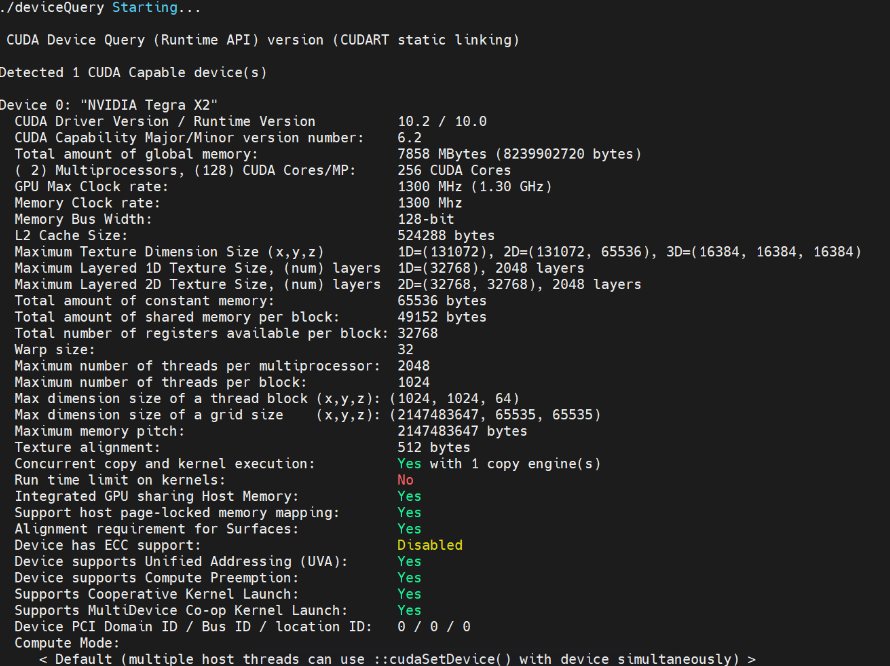
Install NVIDIA GPU Support
Enable GPU support (both cloud/edge)
Execute on the cloud:
kubectl apply -f https://raw.githubusercontent.com/NVIDIA/k8s-device-plugin/v0.13.0/nvidia-device-plugin.yml
Modify edgecore.yaml on the edge:
vim /etc/kubeedge/config/edgecore.yaml
# Modify the following part:
devicePluginEnabled: true
gpuPluginEnabled: true

# Restart edgecore
systemctl restart edgecore.service
Modify /etc/docker/daemon.json on all cloud/edge devices, and add the following content:
{
    "default-runtime": "nvidia",
    "runtimes": {
        "nvidia": {
            "path": "nvidia-container-runtime",
            "runtimeArgs": []
        }
    },
}
Check running state
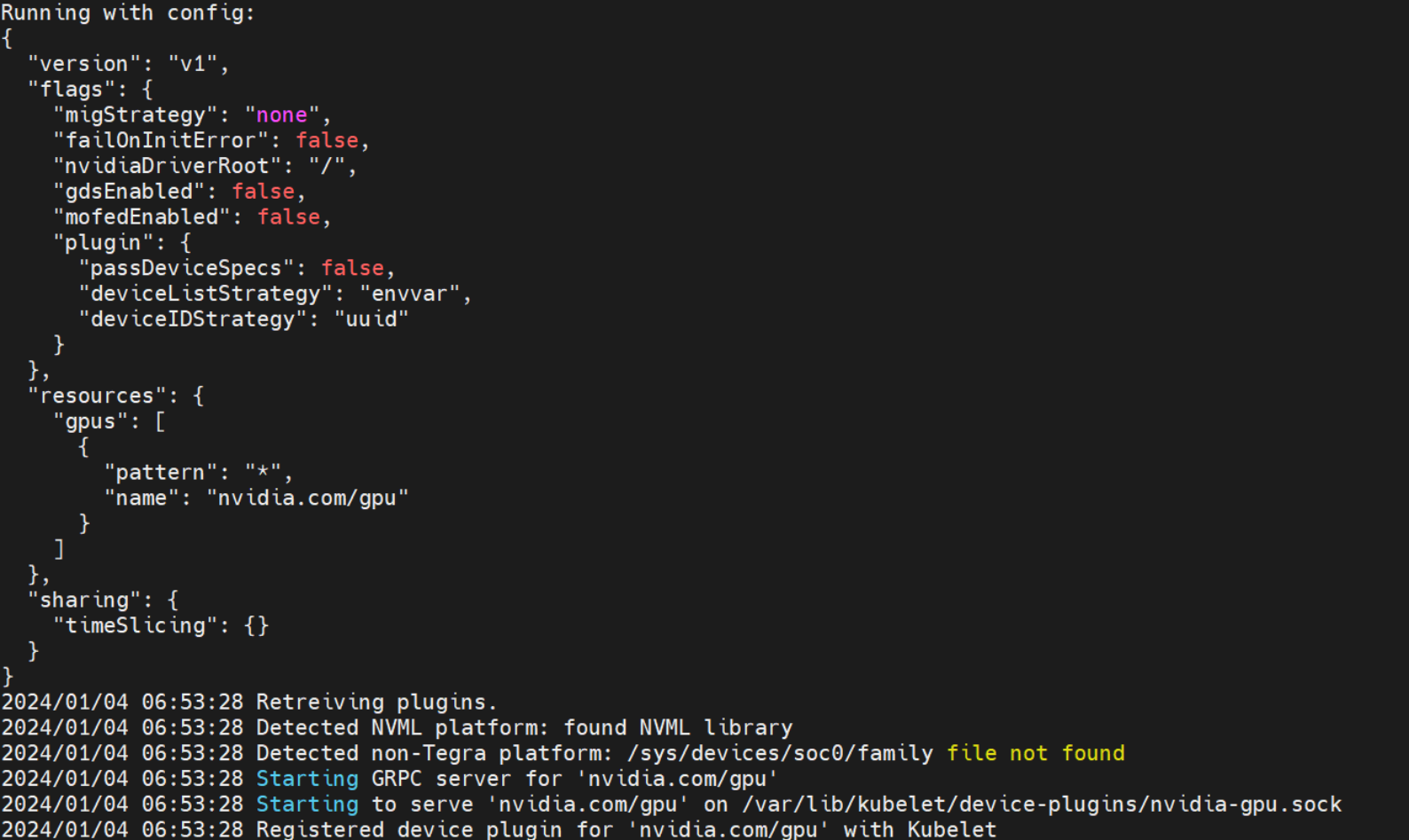
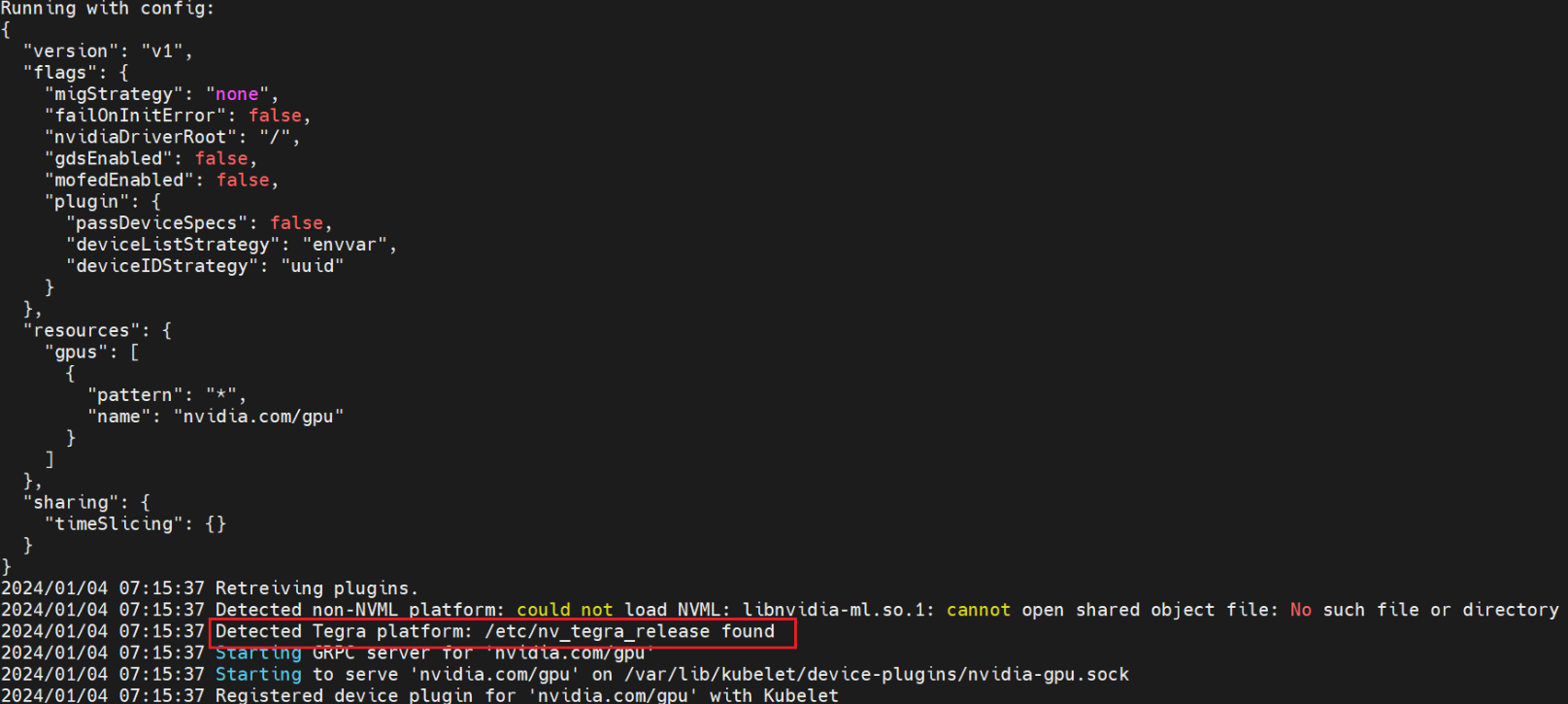
On the cloud, use kubectl get pods -A to find all the nvidia related pods. Then, use kubectl logs xxx -n xxx or kubectl describe pod xxx -n xxx to check pod state.
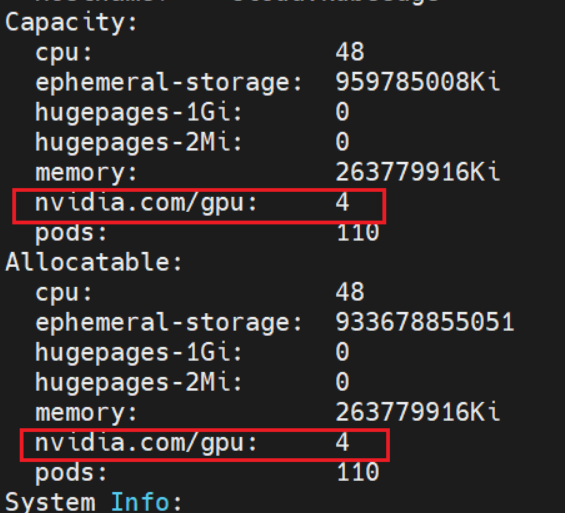
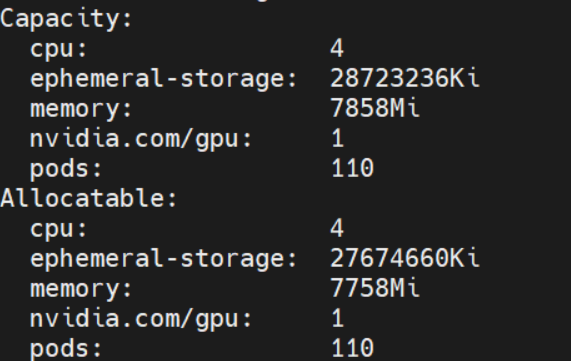
The NVIDIA device plugin pod being Running only means the pod starts successfully. You also need to check whether GPU resources are registered on the node:
kubectl get node <edge-node-name> -o jsonpath='{.status.capacity.nvidia\.com/gpu}{"\n"}'
The expected output is 1 or another positive GPU count. If the output is empty, check devicePluginEnabled and gpuPluginEnabled in /etc/kubeedge/config/edgecore.yaml, then restart edgecore.service.
Pod state on the cloud:
Pod state on the edge:
Run the demo container on the cloud to check whether nvidia gpu can be obtained normally:
kubectl run -i -t nvidia --image=jitteam/devicequery